
Inspection Process - Physical Asset
- Oct 11, 2024
- 3 min read
Updated: Apr 3, 2025
The Asset section of the inspection displays a list of action items related to the physical asset. The heading for this section is dynamic and will update based on the selected asset type. For example, if the asset type is Motorbike, the section will be titled "Motorbike".

VIN
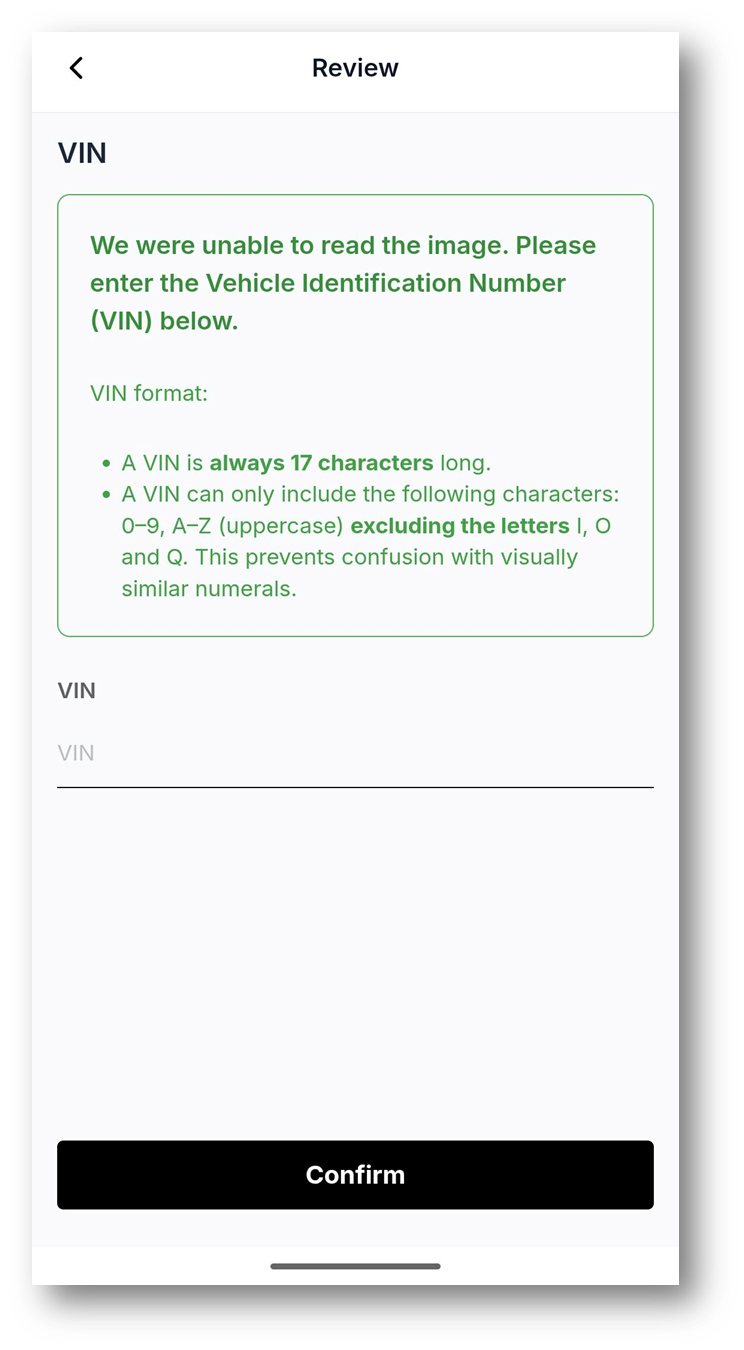
The seller is asked to take a photo of the Vehicle Identification Number (VIN). Instructions are provided on where to find the VIN. | They review and confirm that the image has been captured correctly. | The system will automatically read and extract the VIN. The seller reviews the extracted number and corrects any errors before submitting. |
 |  |  |
Number Plate
The seller is asked to take a photo of the Number Plate. | They review and confirm that the image has been captured correctly. | The system will automatically read and extract the Number Plate. The seller reviews the details and corrects any errors before submitting. |
 |  |  |
Internal Vehicle Photos
Motor Vehicle
The seller may be asked to submit up to four internal photos of the vehicle:
Odometer
Front Seats
Back Seats
Boot
Odometer
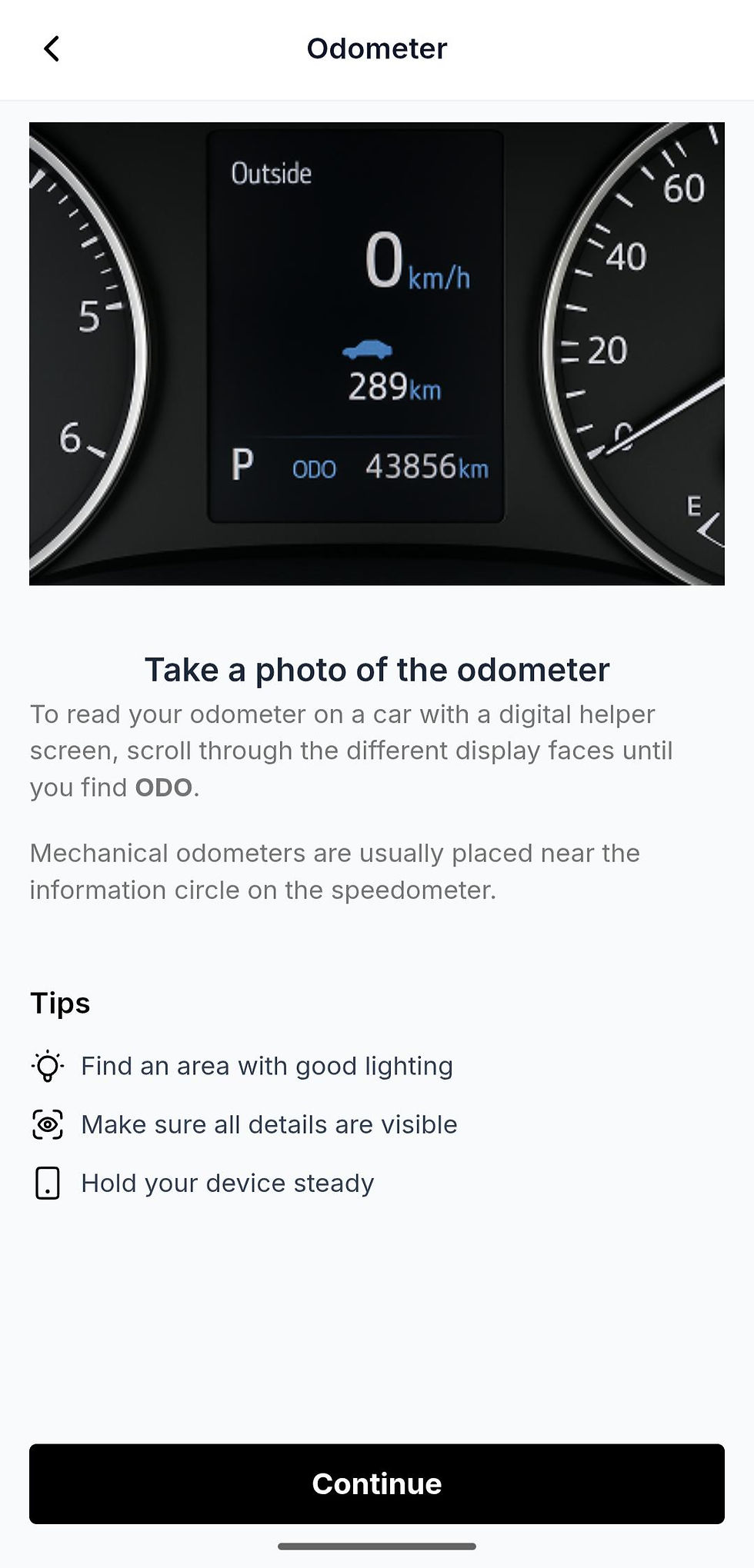
The seller is asked to take a photo of the vehicle’s odometer. | They review and confirm that the image has been captured correctly. | Receive a confirmation screen after submission. |
 |  |  |
Front Seats
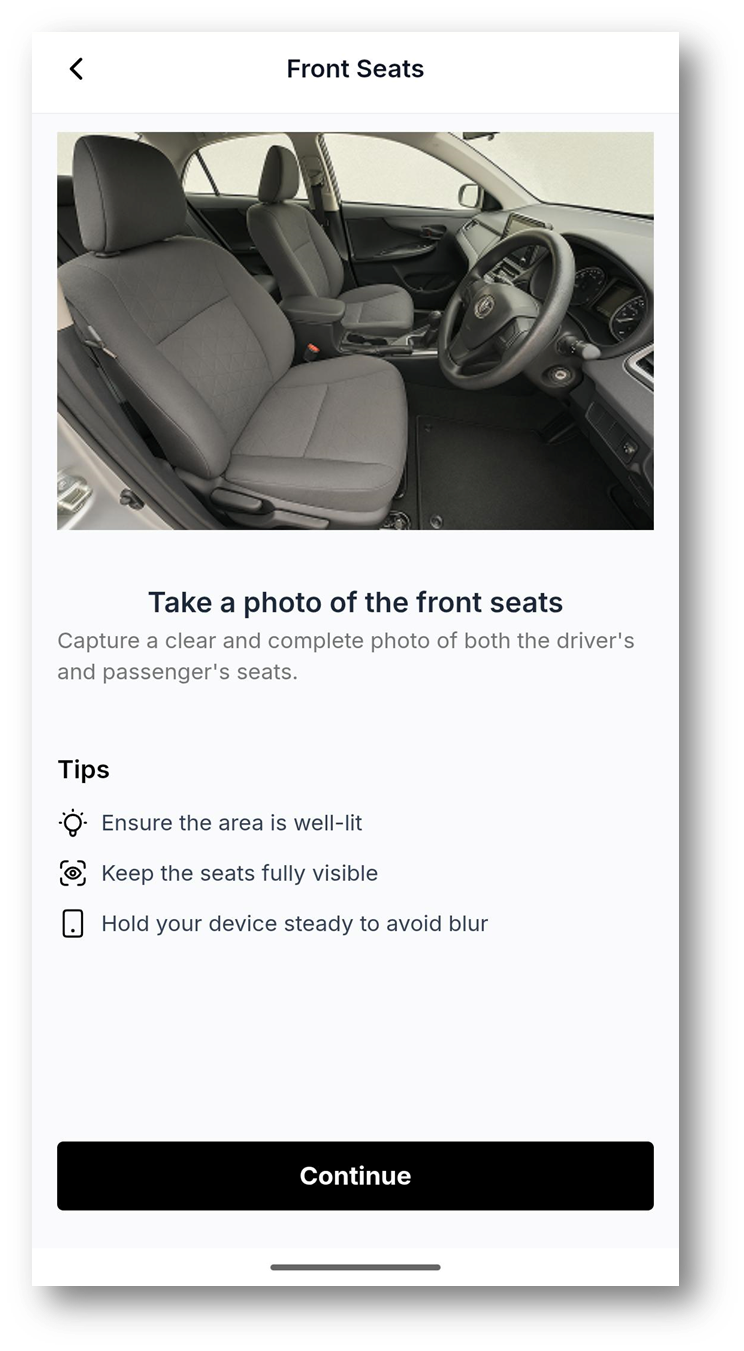
The seller is asked to take a photo of the vehicle’s front seats. | They review and confirm that the image has been captured correctly. | Receive a confirmation screen after submission. |
 |  |  |
Back Seats
The seller is asked to take a photo of the vehicle’s back seats. | They review and confirm that the image has been captured correctly. | Receive a confirmation screen after submission. |
 |  |  |
Boot
The seller is asked to take a photo of the vehicle’s boot. | They review and confirm that the image has been captured correctly. | Receive a confirmation screen after submission. |
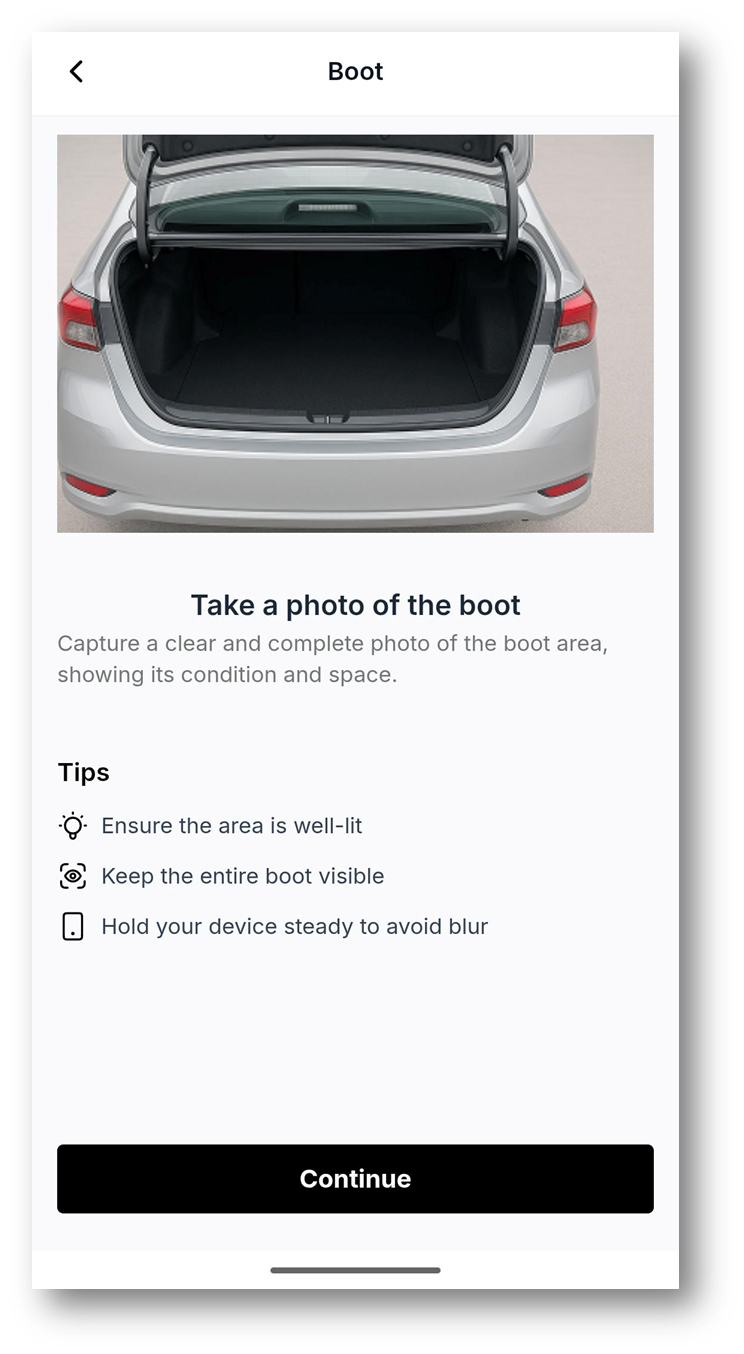 |  |  |
Motorbike
The seller may be asked to submit the Odometer.
Odometer
The seller is asked to take a photo of the vehicle’s odometer. | They review and confirm that the image has been captured correctly. | Receive a confirmation screen after submission. |
| | |
Caravan
The seller may be asked to submit up to three internal photos of the caravan:
Living Area
Kitchen
Sleeping Area
Living Area
 |  |  |
Kitchen
 |  |  |
Sleeping Area
 |  |  |
Heavy Vehicle / Equipment
The seller may be asked to submit up to five internal photos of the heavy vehicle / equipment:
Operating Hours
Odometer
Front Seats
Back Seats
Boot
Operating Hours
The seller is asked to take a photo of the operating hours. | They review and confirm that the image has been captured correctly. | Receive a confirmation screen after submission. |
 |  |  |
Odometer
The seller is asked to take a photo of the odometer. | They review and confirm that the image has been captured correctly. | Receive a confirmation screen after submission. |
| | |
Front Seats
The seller is asked to take a photo of the front seats. | They review and confirm that the image has been captured correctly. | Receive a confirmation screen after submission. |
| | |
Back Seats
The seller is asked to take a photo of the back seats. | They review and confirm that the image has been captured correctly. | Receive a confirmation screen after submission. | |
| | |
Boot
The seller is asked to take a photo of the boot. | They review and confirm that the image has been captured correctly. | Receive a confirmation screen after submission. |
| | |
External Vehicle Photos
Motor Vehicle
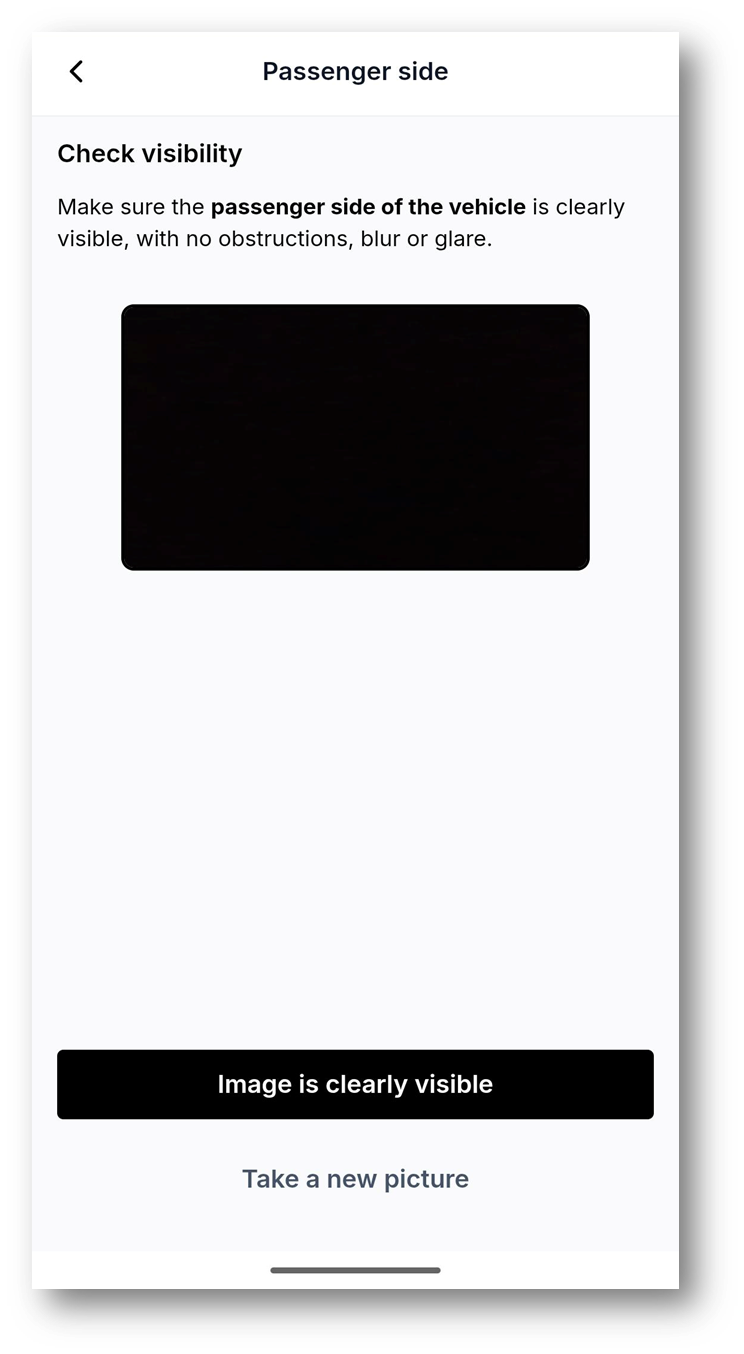
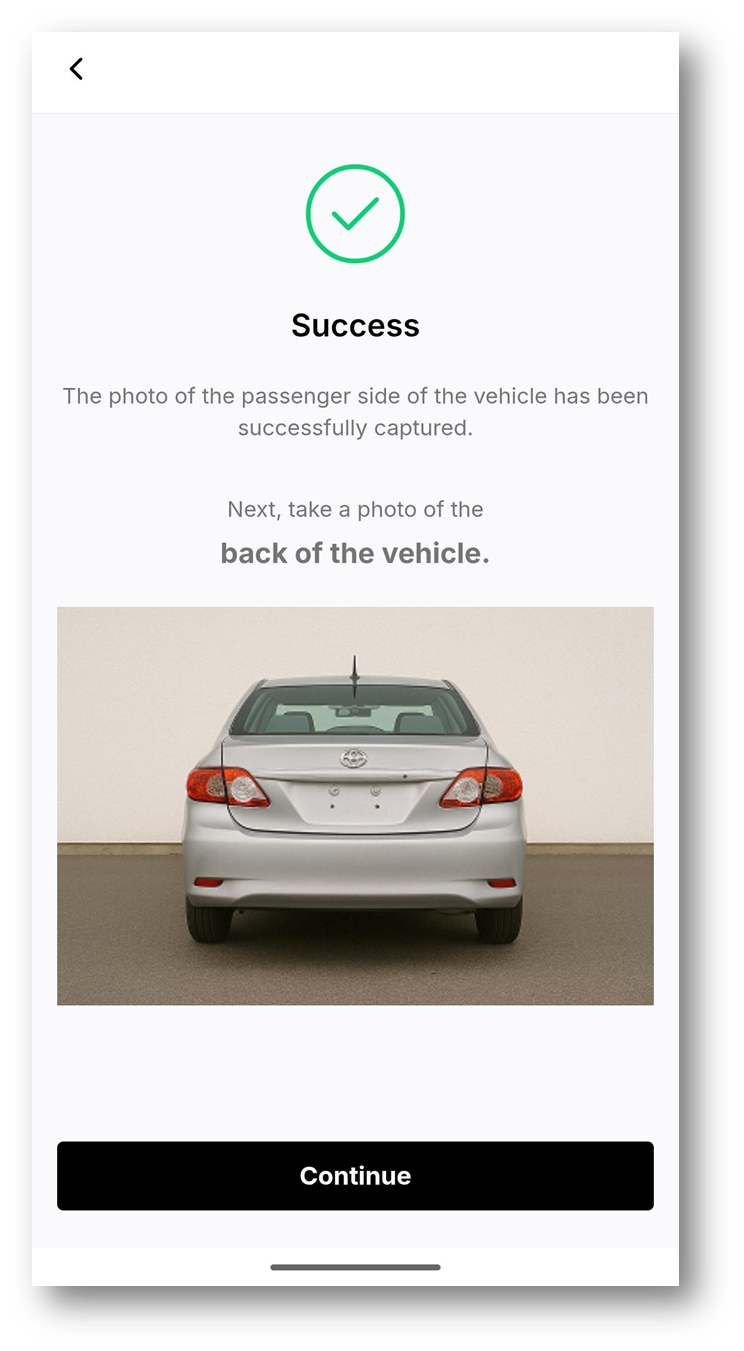
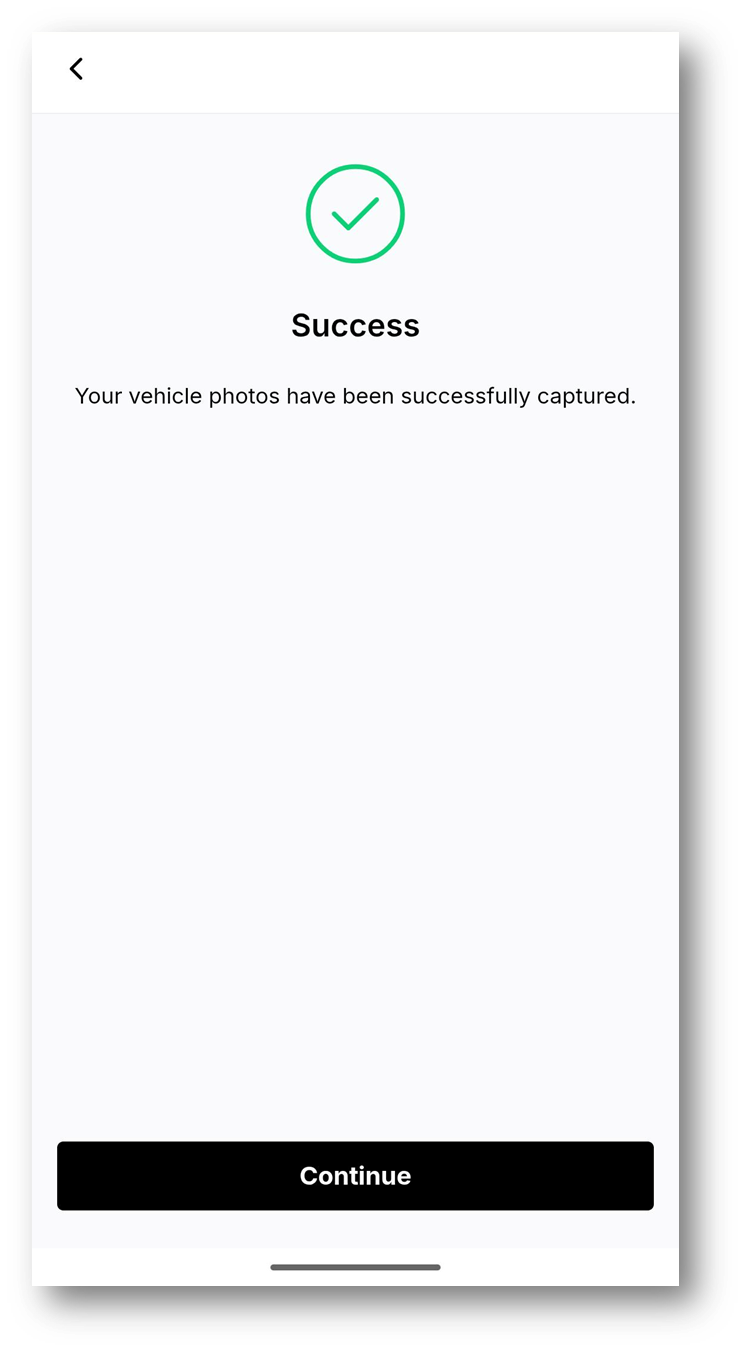
The seller may be asked to submit up to four photos of the vehicle's exterior:
Front of the vehicle
Driver side of the vehicle
Passenger side of the vehicle
Back of the vehicle
 |  |  |
 | 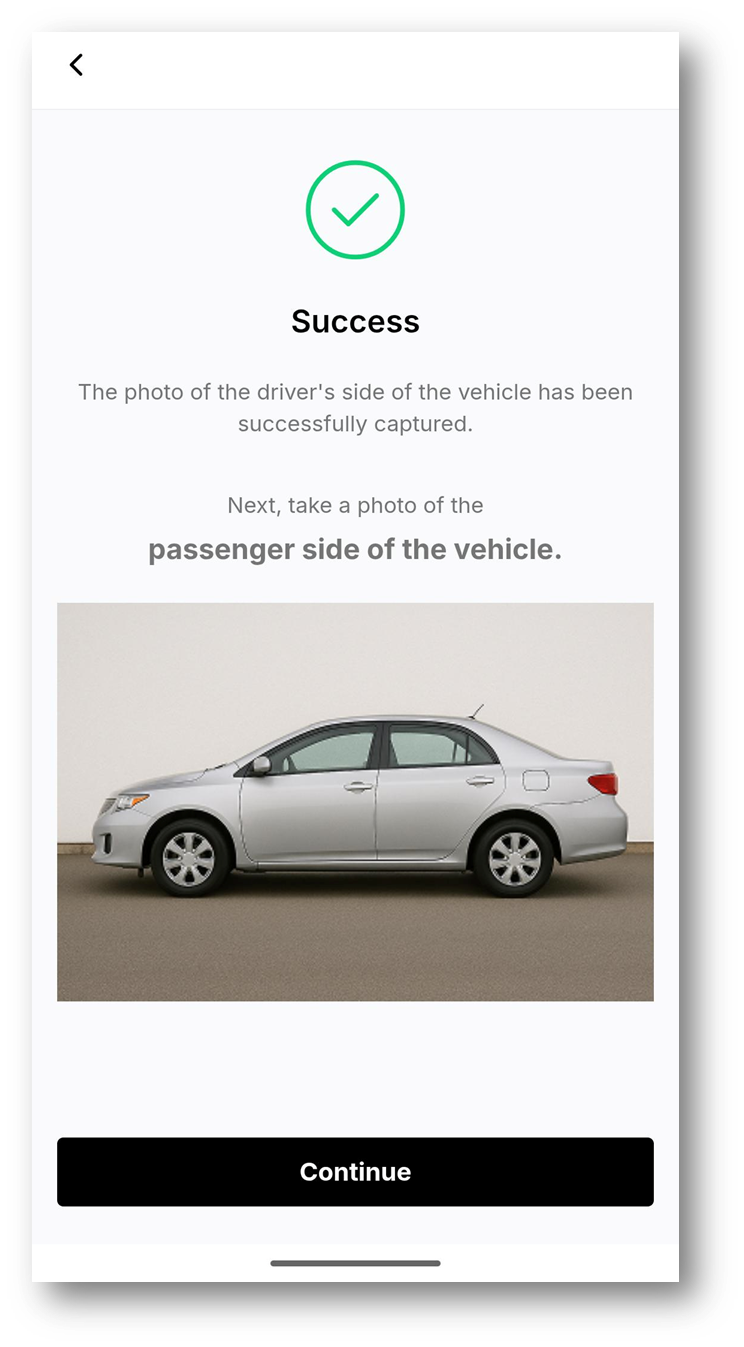 |  |
 |  |  |
Motorbike
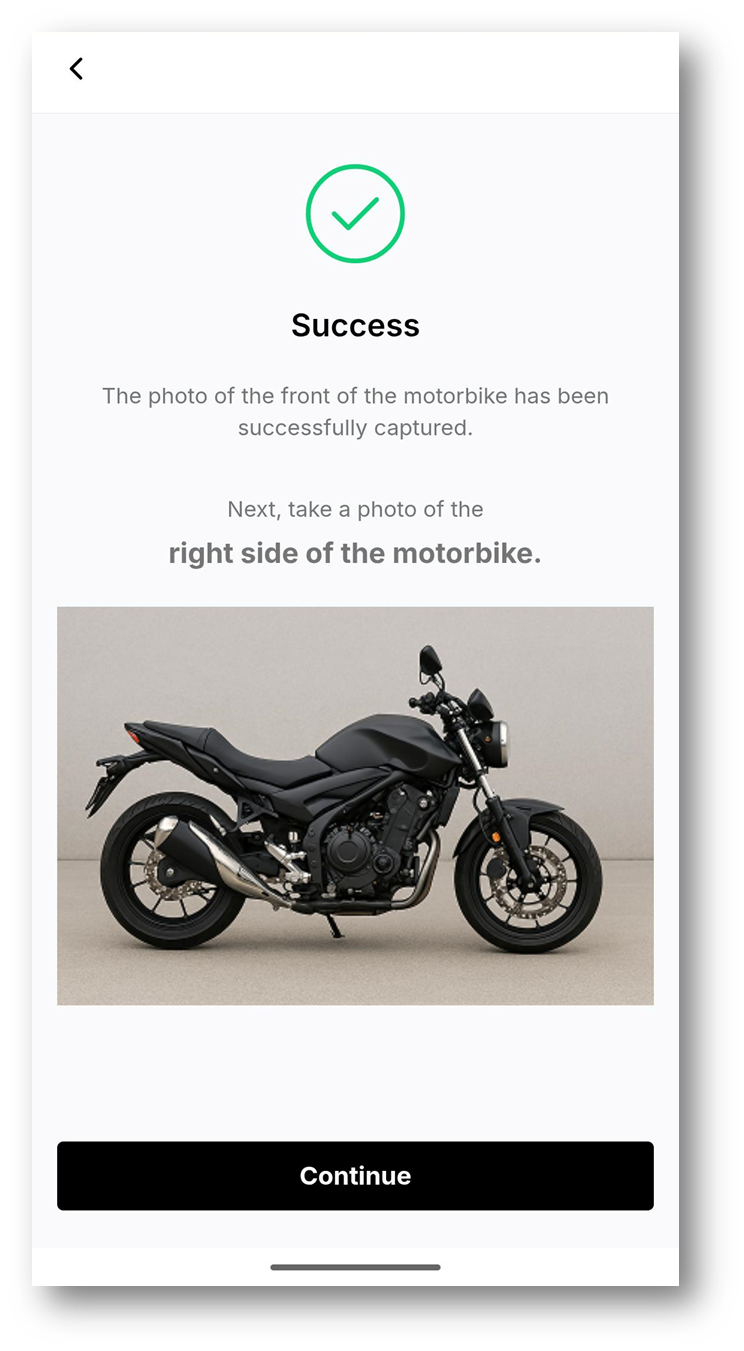
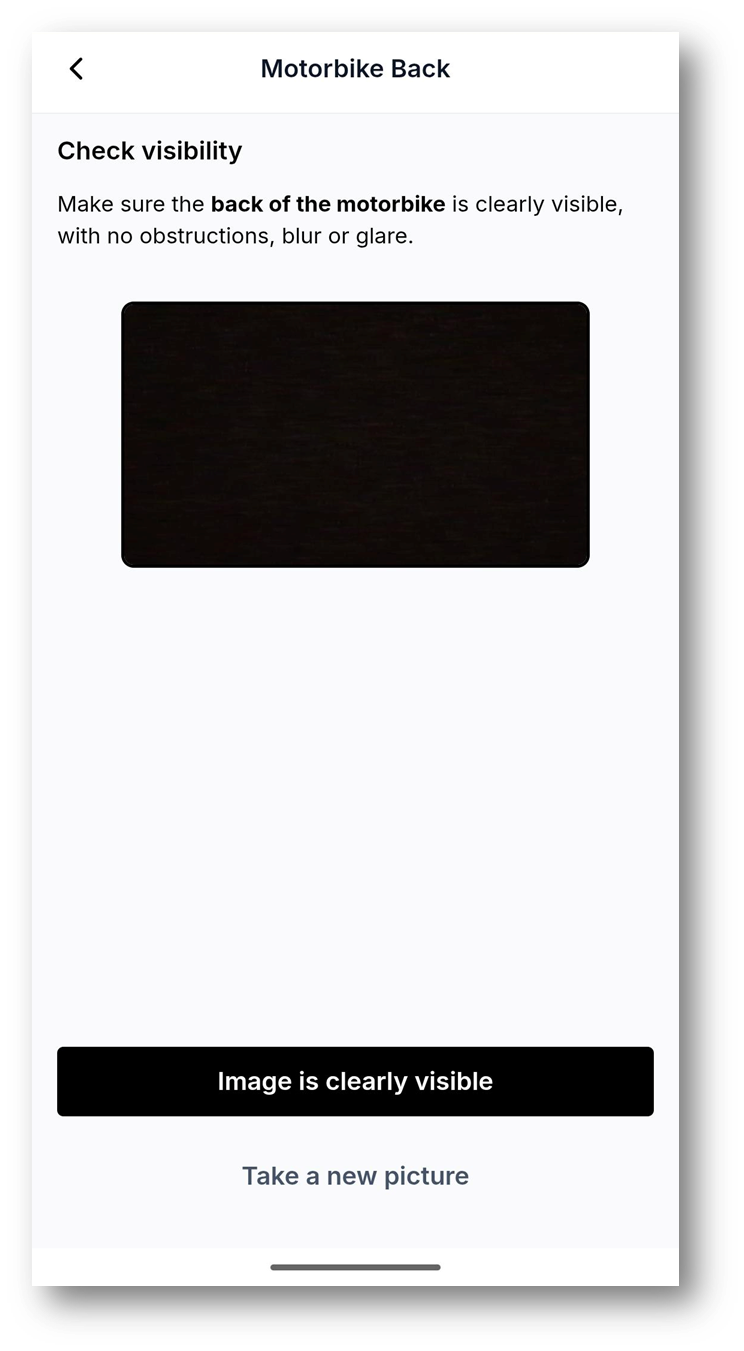
The seller may be asked to submit up to four photos of the motorbike's exterior:
Front of the motorbike
Right side of the motorbike
Left side of the motorbike
Back of the motorbike
 |  |  |
 |  |  |
 |  |  |
Caravan
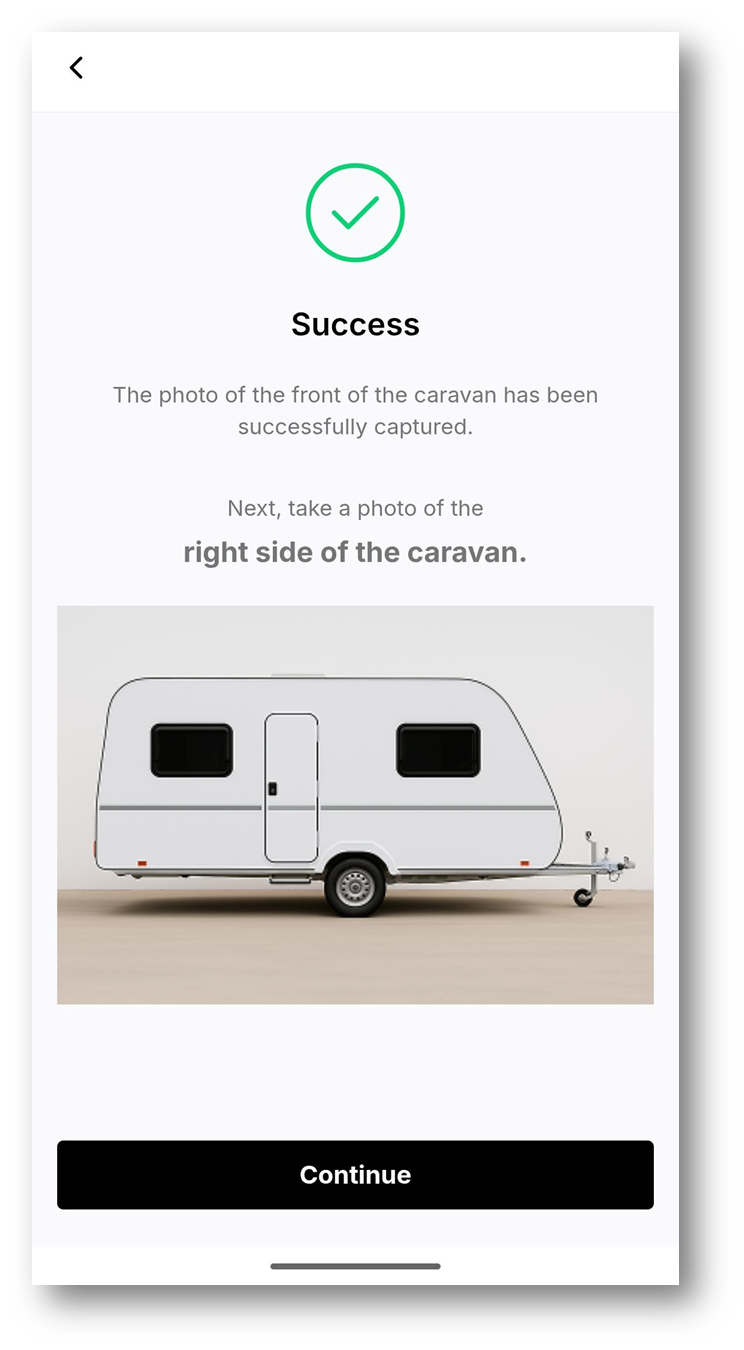
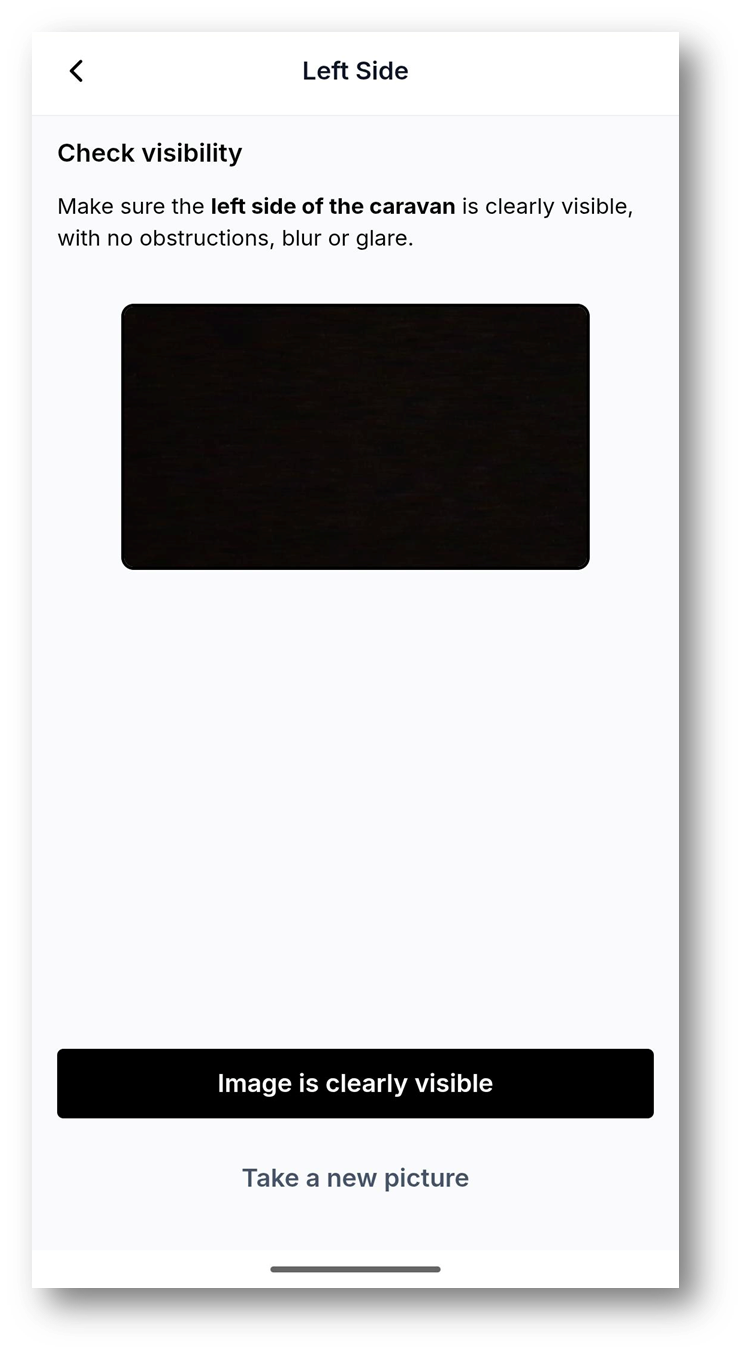
The seller may be asked to submit up to four photos of the caravan's exterior:
Front of the caravan
Right side of the caravan
Left side of the caravan
Back of the caravan
 |  |  |
 |  |  |
 |  |  |
Trailer
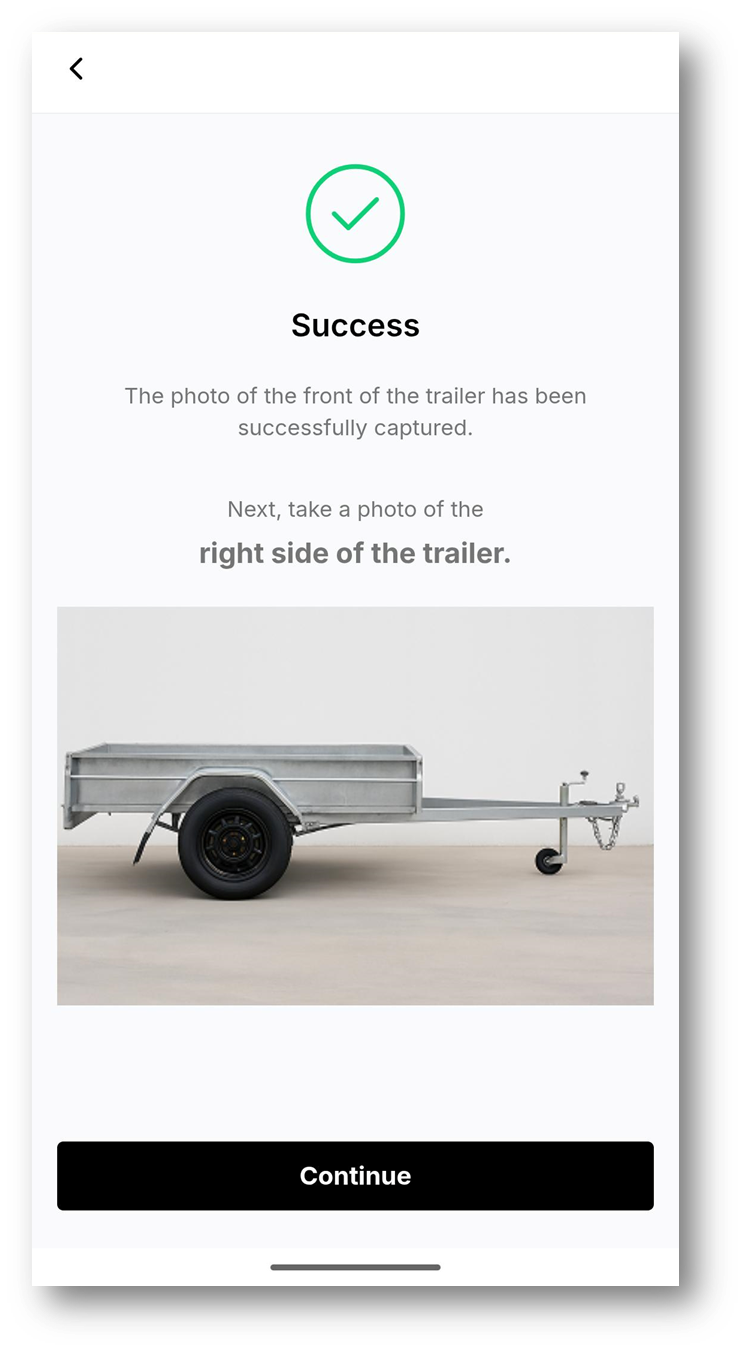
The seller may be asked to submit up to four photos of the trailer's exterior:
Front of the trailer
Right side of the trailer
Left side of the trailer
Back of the trailer
 |  |  |
 | 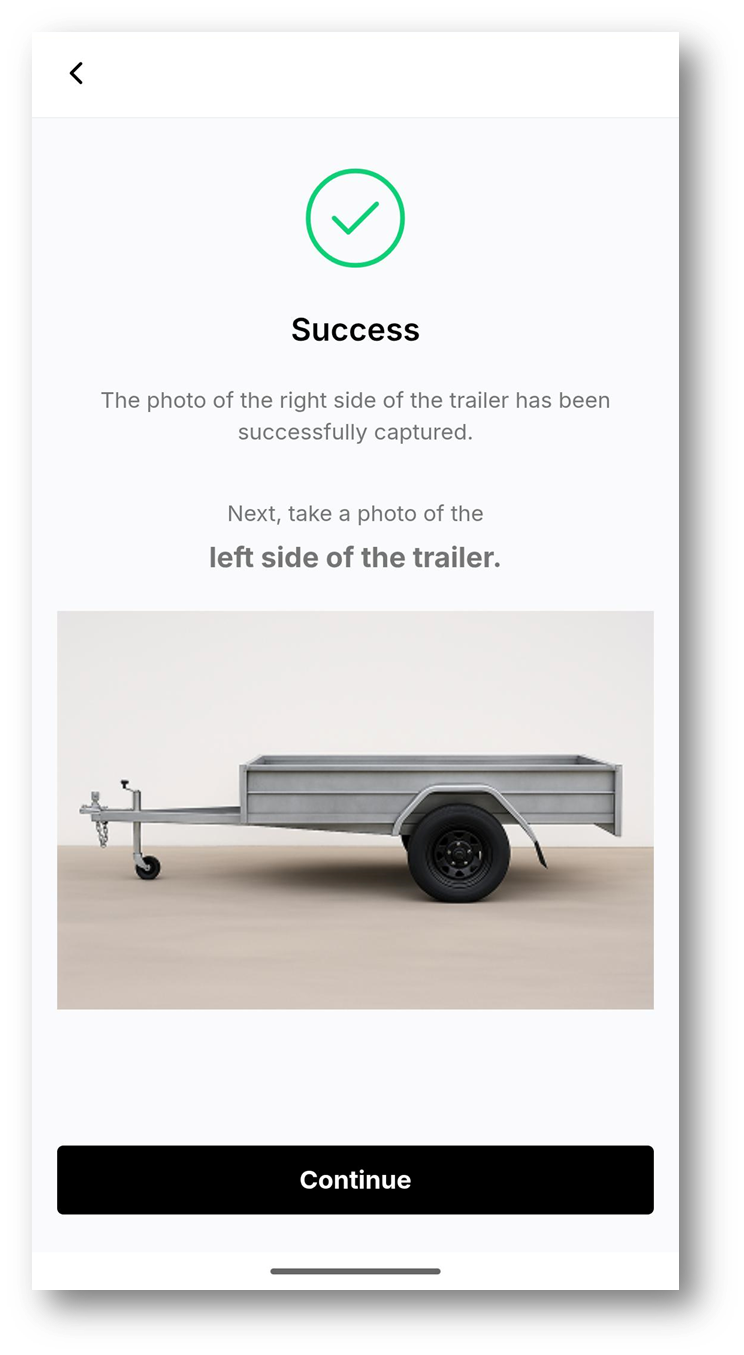 | 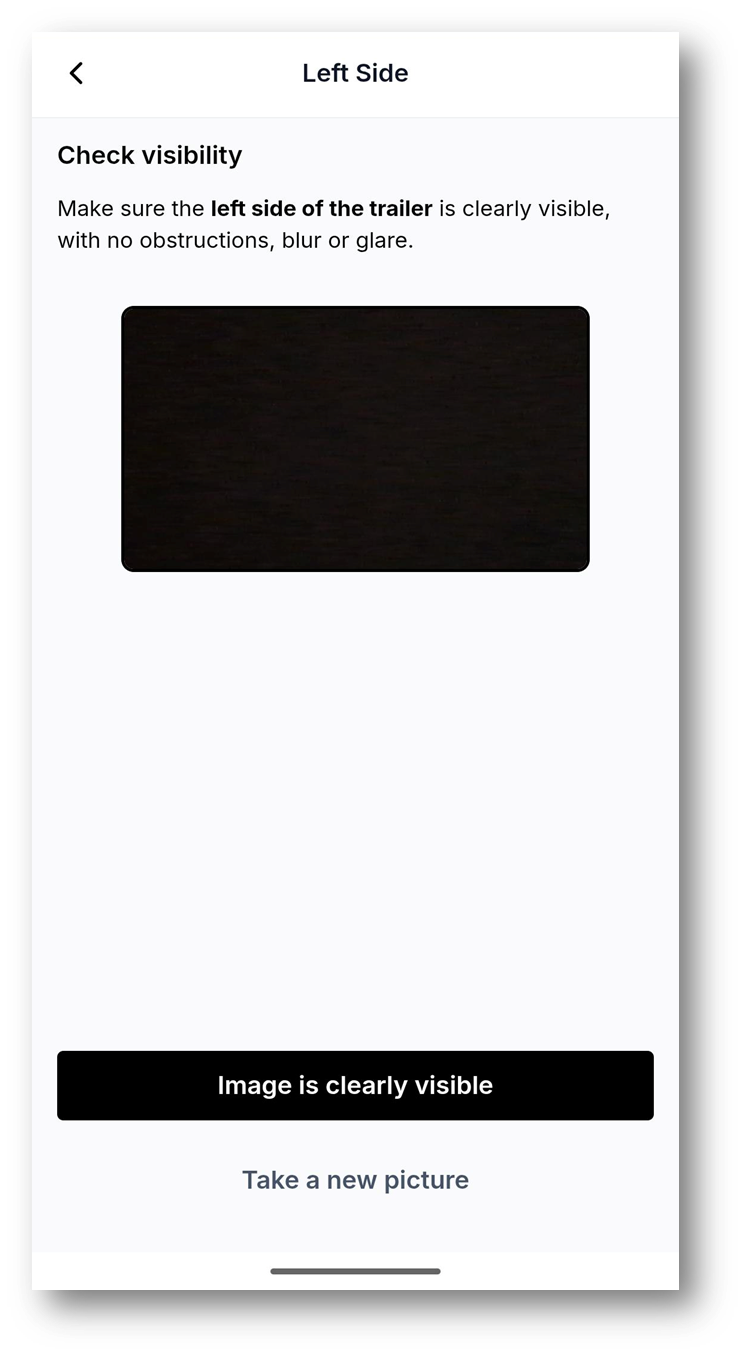 |
 |  |  |
Heavy Vehicle / Equipment
The seller may be asked to submit up to four exterior photos of the heavy vehicle / equipment:
Front of the heavy vehicle / equipment
Right side of the heavy vehicle / equipment
Left side of the heavy vehicle / equipment
Back of the heavy vehicle / equipment
 |  |  |
 |  | 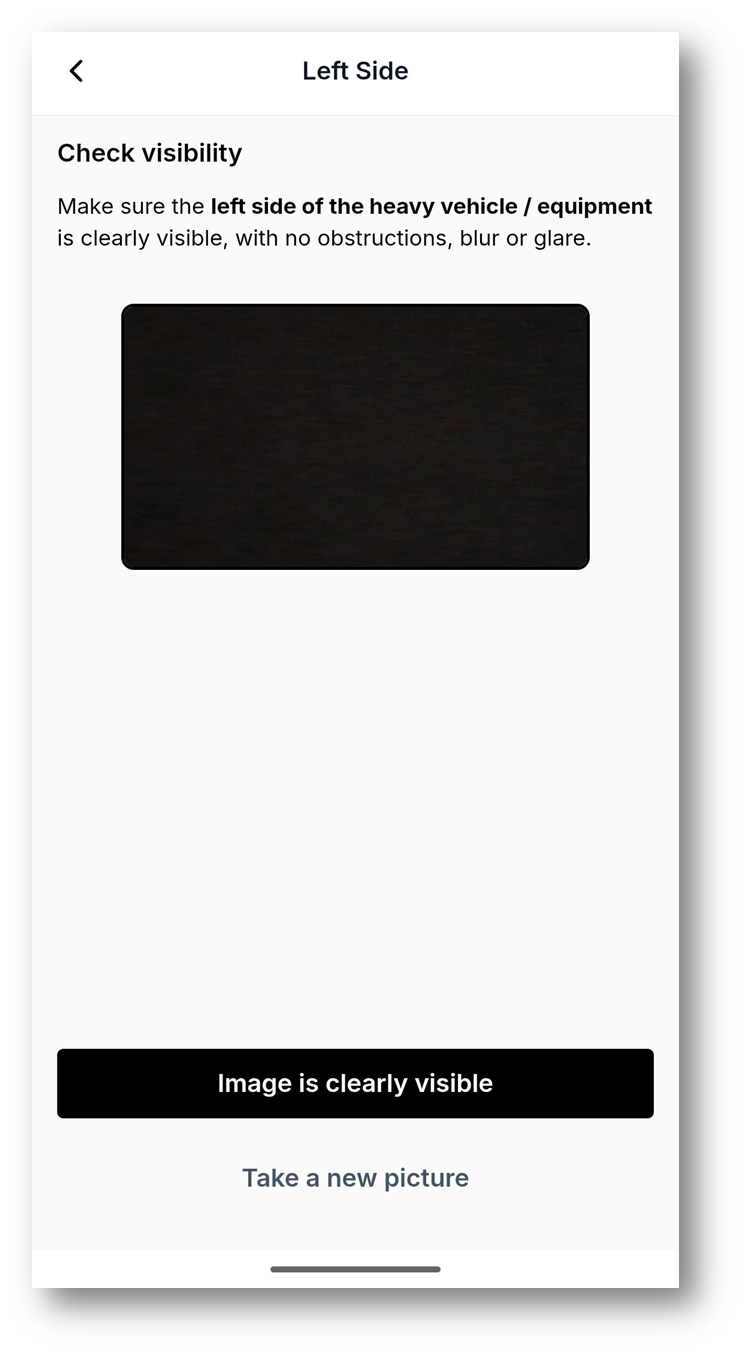 |
 |  |  |